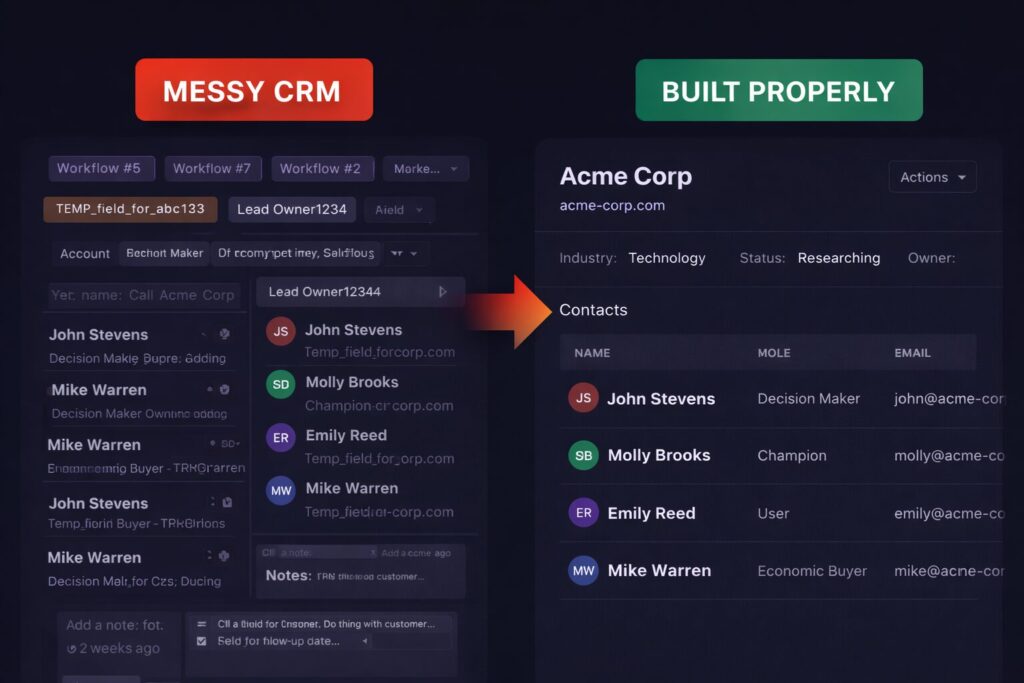
Every CRM eventually reaches a point where something feels off.
Small fixes keep piling up. New fields appear “temporarily”. Automations get added on top of older automations. Reporting becomes fragile. Everyone agrees it’s messy, but nobody agrees on whether it’s worth starting over.
The hard part is that patching often works – until it doesn’t.
This article is about recognising that line before you cross it too late.
Why Teams Default to Patching
Patching feels rational.
- A full rebuild sounds risky
- The CRM technically still works
- Nobody wants to pause operations
- Past effort feels “wasted” if you rebuild
So teams add one more workflow. One more property. One more workaround. Each fix solves a local problem, but pushes the system further from coherence.
Over time, the CRM stops being designed and starts being negotiated.
What “Patching” Actually Looks Like in Practice
Patching is not one thing. It shows up in patterns:
- Logic duplicated across multiple workflows
- Fields added to avoid touching existing ones
- Exceptions hard-coded for specific teams or deals
- Reports that only one person knows how to fix
- Automation that nobody fully understands anymore
At some point, changes become scary. People stop touching parts of the system because “it might break something”.
That’s not technical debt. That’s operational risk.
When Patching Is Still the Right Choice
Not every messy CRM needs a rebuild.
Patching is usually fine when:
- The core data model still makes sense
- Ownership and pipelines are clear
- Reporting is noisy but fixable
- Automation issues are local, not systemic
- You can explain how the system works end to end
In these cases, cleanup and refactoring are often enough. You improve structure without changing the foundation.
Rebuilding here would be expensive theatre.
Signals That a Rebuild Is Cheaper Long-Term
A rebuild becomes the rational option when problems are structural, not cosmetic.
Common signals:
- The primary object model is wrong for how the business works
- Ownership logic contradicts itself
- Automation fires for the wrong reasons
- Reporting requires exports and spreadsheets to reconcile
- New hires need tribal knowledge to use the CRM
- You hesitate before making even small changes
A good rule of thumb:
if fixing one thing consistently breaks two others, the system is already past the point of patching.
The Hidden Cost of Not Rebuilding
The biggest cost is not technical. It’s behavioural.
When people stop trusting the CRM:
- Data quality drops
- Processes drift back to Slack and spreadsheets
- Reporting becomes performative
- Decisions get made outside the system
At that point, you’re paying for a CRM that no longer runs the business.
Keeping a broken CRM alive is often more expensive than replacing it – just less visible.
Partial Rebuilds vs. Full Resets
A rebuild does not always mean burning everything down.
In practice, there are three approaches:
- Targeted rebuilds – replacing one core area (for example, deals or ownership)
- Layer resets – rebuilding automation and workflows on top of a cleaned model
- Full resets – redesigning the system end to end
The right choice depends on where the breakage lives. If the data model is wrong, partial fixes will not hold. If the model is sound but execution is sloppy, a full reset is overkill.
The mistake is choosing based on fear rather than diagnosis.
How to Rebuild Without Stopping the Business
Rebuilds fail when they are treated as side projects.
The safer pattern looks like this:
- Freeze scope early
- Design the future state explicitly
- Run the old and new models in parallel
- Migrate incrementally, not all at once
- Cut over decisively when confidence is high
The goal is not perfection. It’s predictability.
The Question That Settles It
When teams are stuck debating patch vs rebuild, this question usually ends the discussion:
Can you clearly explain how your CRM works today – and why it works that way?
If the answer is no, patching will only delay the inevitable.
Rebuilding is not about starting over. It’s about restoring alignment between how the business operates and how the CRM represents it.
That alignment is what makes a CRM usable again.